Ülgen Quadcopter V1
Close to the wall. Far from the risk.
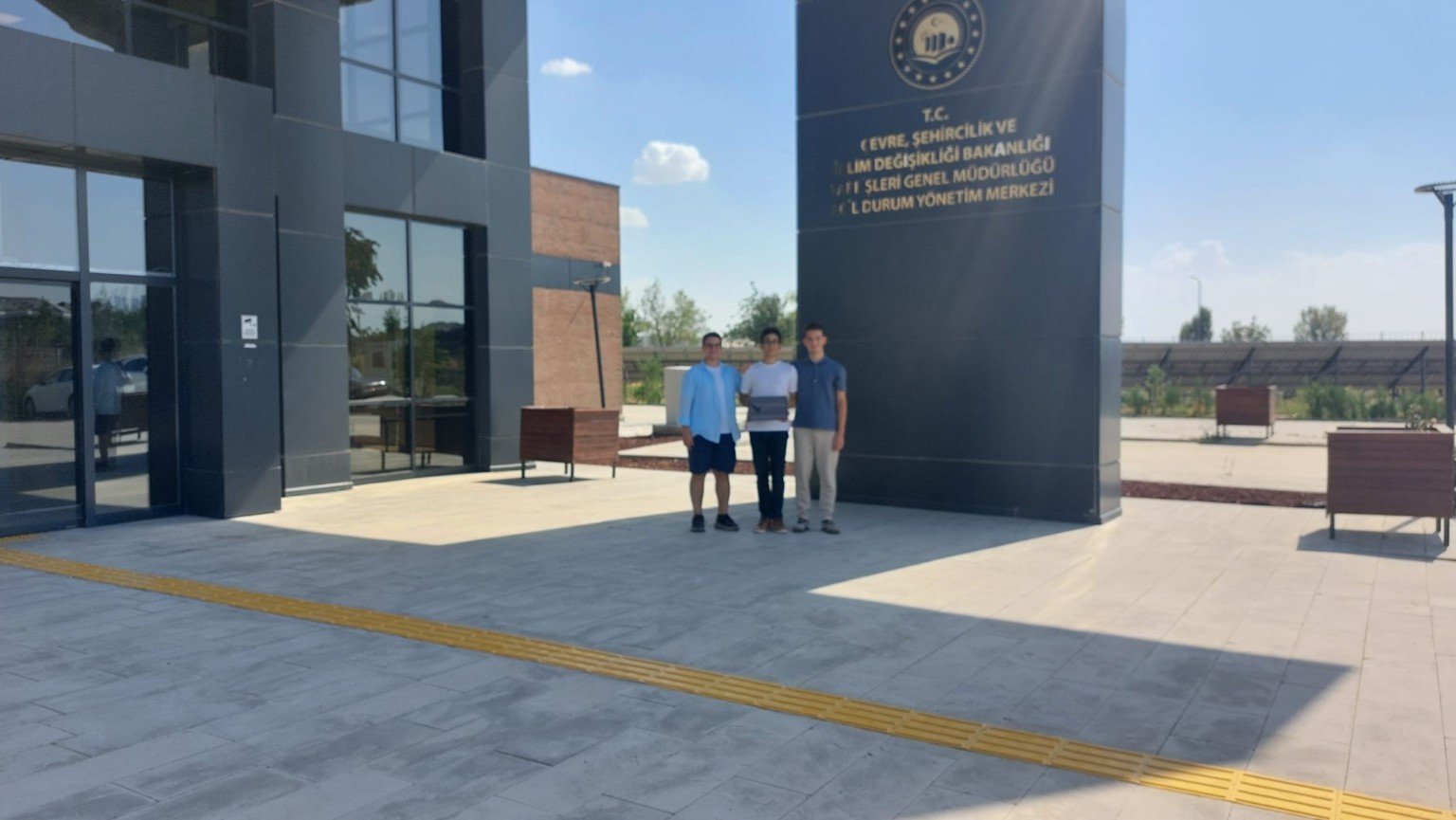
Semifinalist at 2026 TEKNOFEST Technology for Humanity Competition
Define what will be inspected, let the drone fly it, review what it found and share the report.
Define the structure, the risk boundaries and the facade zones to inspect.
The drone follows the planned route and captures close-range imagery.
Imagery is reviewed so defects and anomalies stand out.
Findings are delivered as a clear report the team can act on.
Interactive 3D model
The drone is flown by a reinforcement-learning flight policy trained in NVIDIA Isaac Sim. It reads the drone’s current state and chooses actions that are applied as thrust and torque on three axes. During training, rewards guide the policy towards a steady path close to the facade. While it flies, a separate detection model analyses the camera stream to identify both cracks and surface materials. Engineers review the resulting findings.
Loading the interactive 3D model...
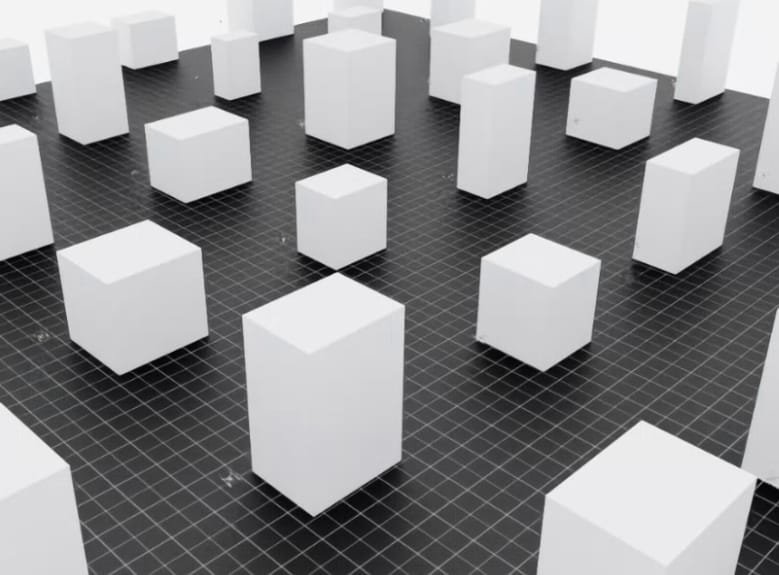
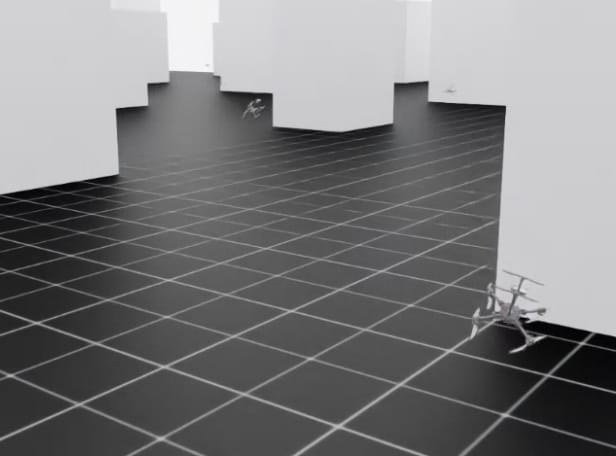
Before it flies near a real wall, the flight policy learns in Isaac Sim. Many drones practise at once, among building blocks and along facades, and every flight feeds the next round of training.
Simulation in action 1 / 5
State observations enter the flight policy.
Repeat with the new state observation.
Training only: rewards and collected experience guide PPO updates to the policy. Rewards are not required as flight-policy inputs during deployment.
Camera imagery enters the detection model.
One flight model. One detection model.
The inspection pipeline is separate from the PPO flight-training loop.
On-site AI review
One AI model controls the flight. A separate detection model identifies both cracks and surface materials in the camera images. Material context helps engineers interpret a crack in concrete, brick or stone and assess the need for follow-up.
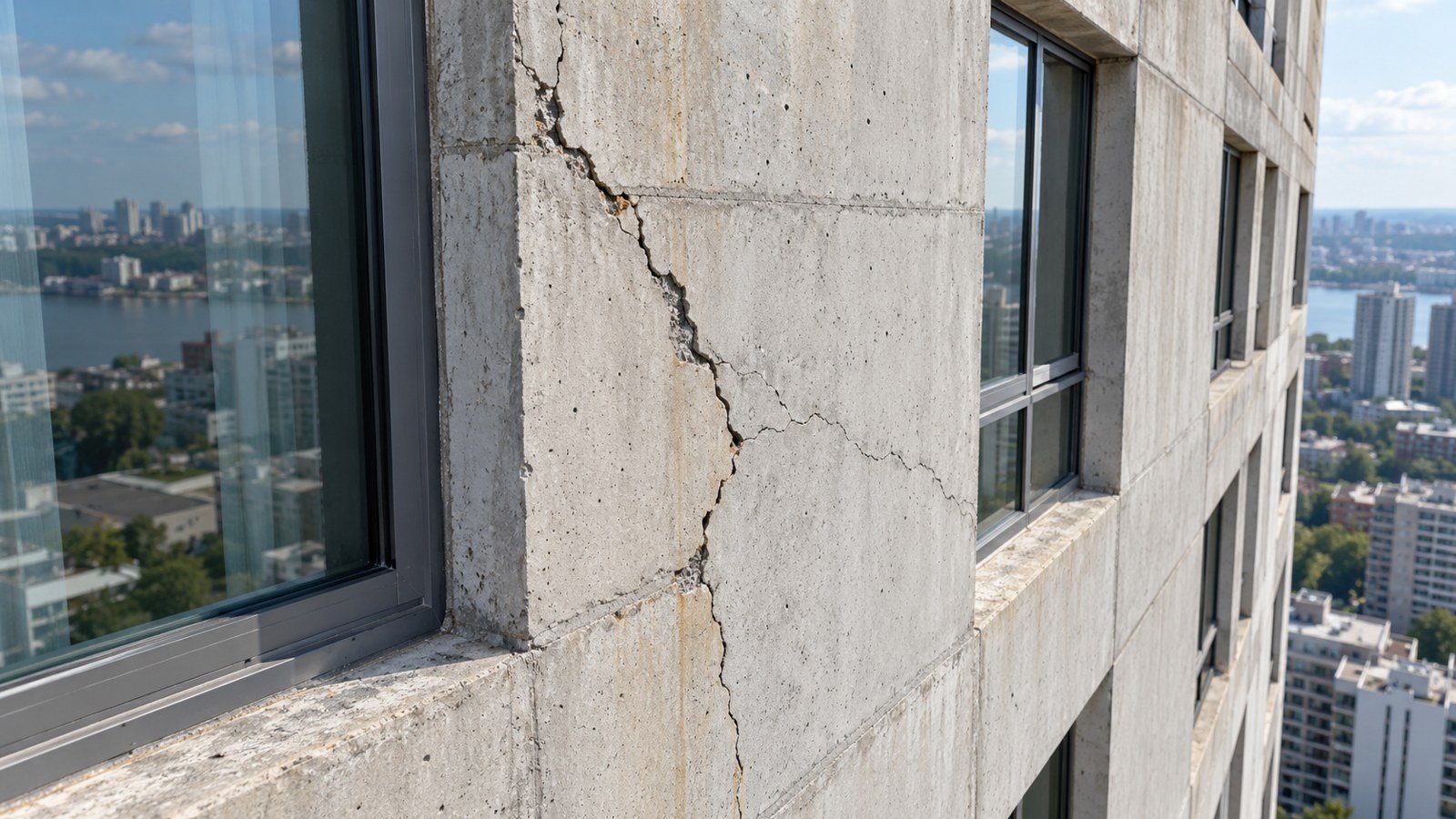
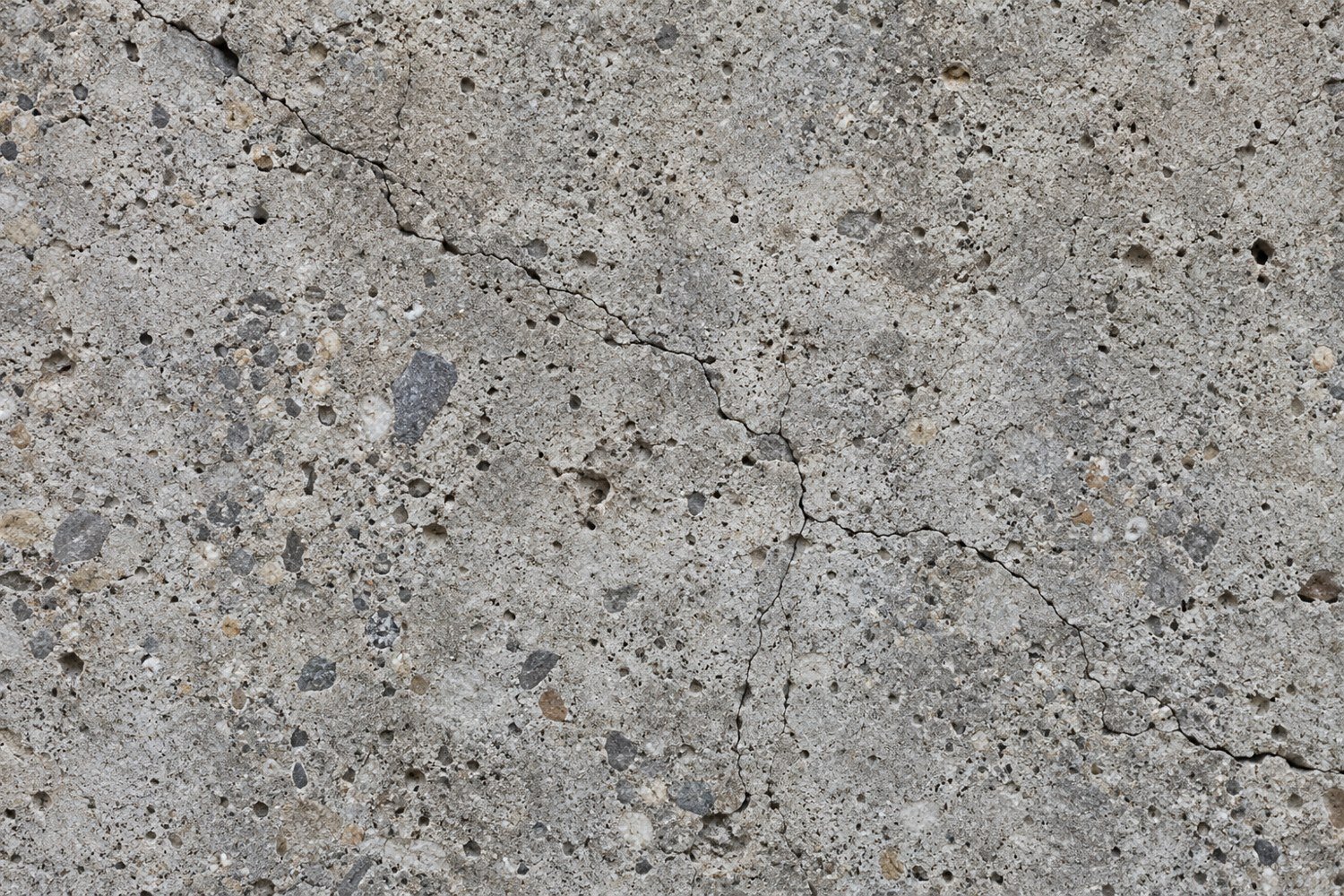 Concrete
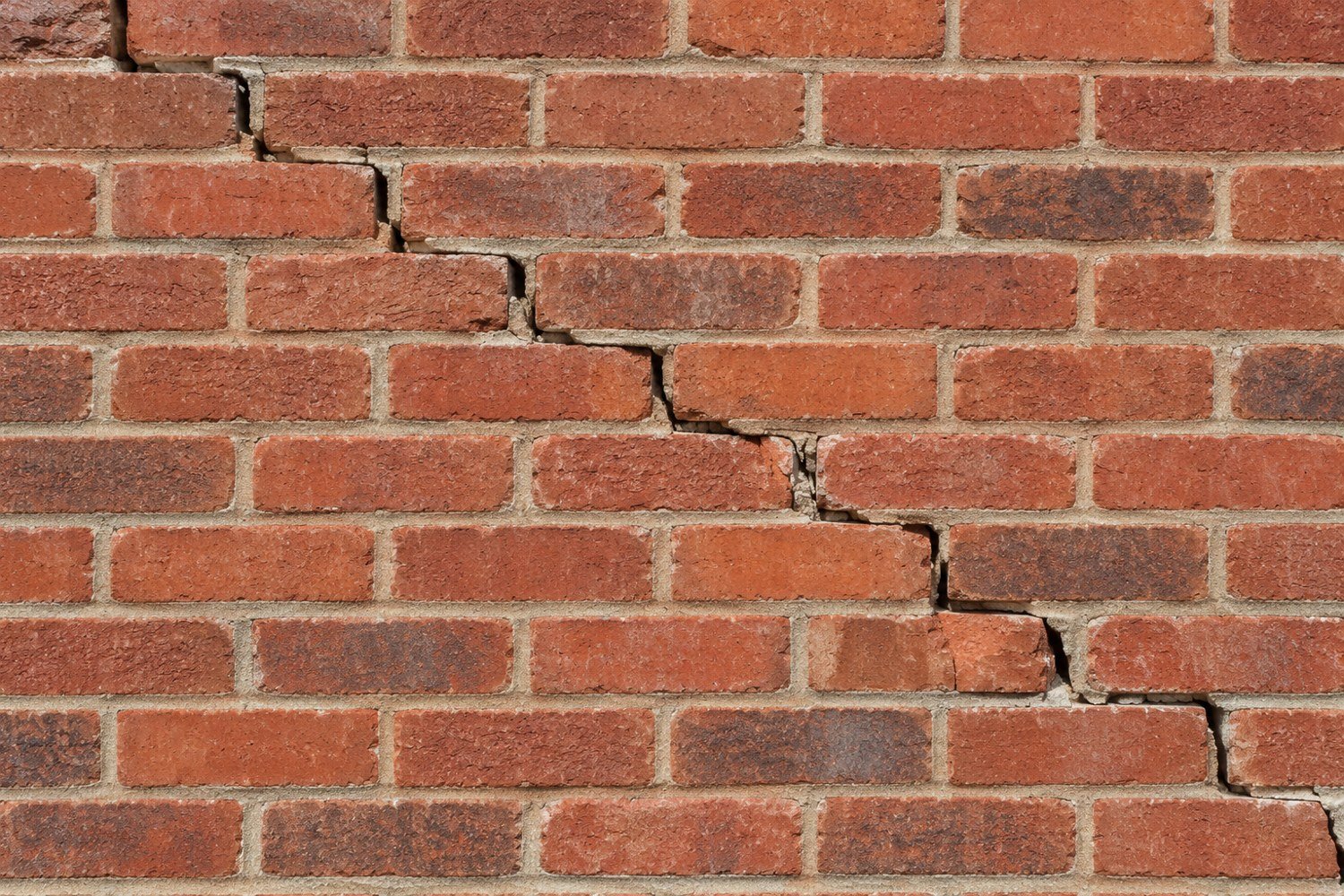 Brick
Brick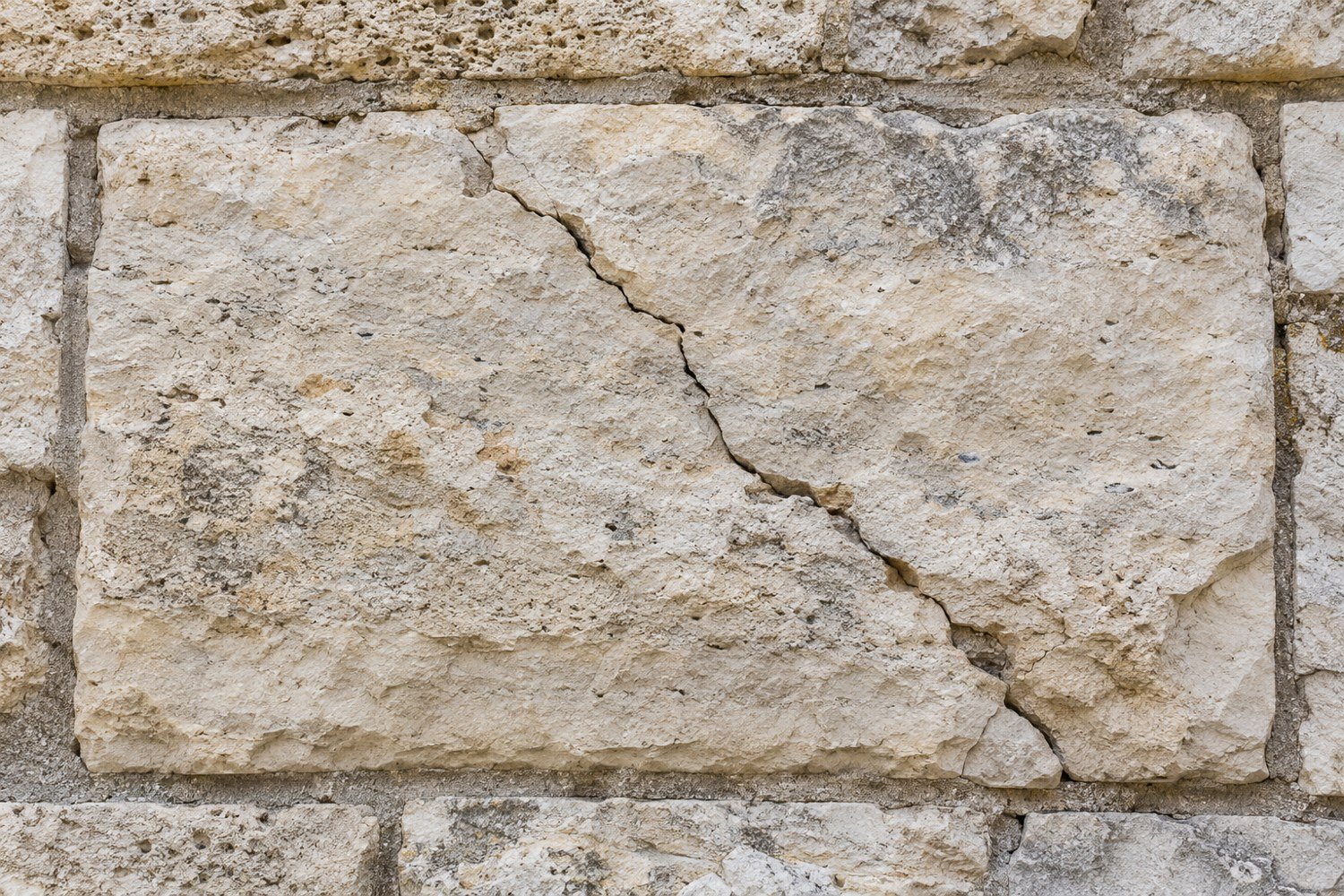 Stone · limestone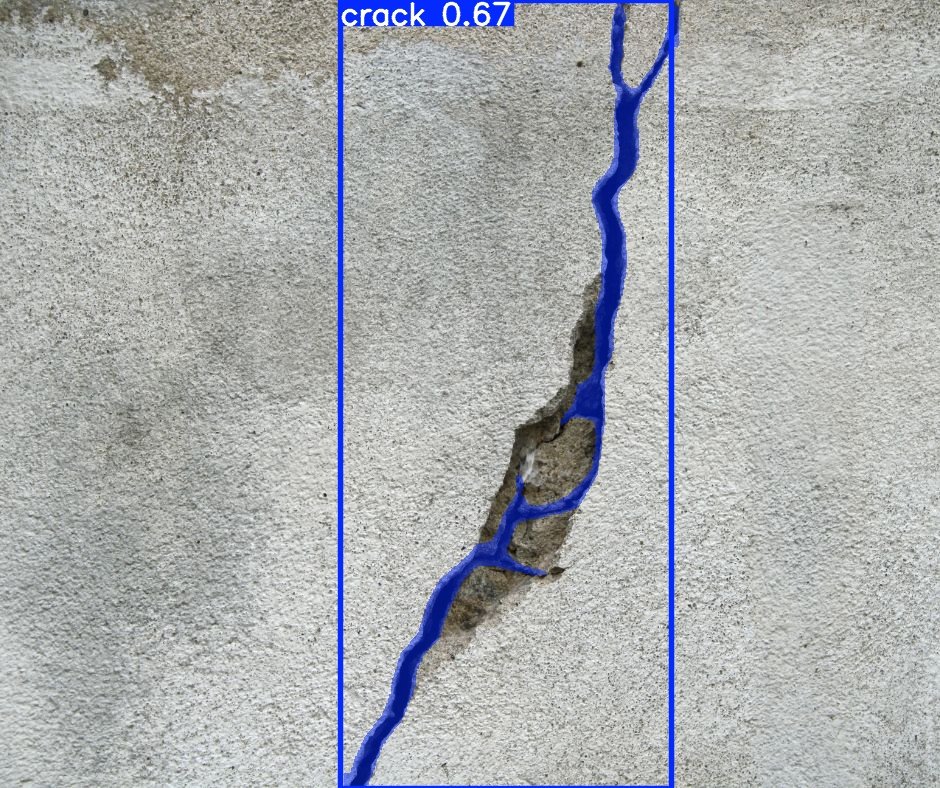
The same workflow adapts to the site and the surface being examined.
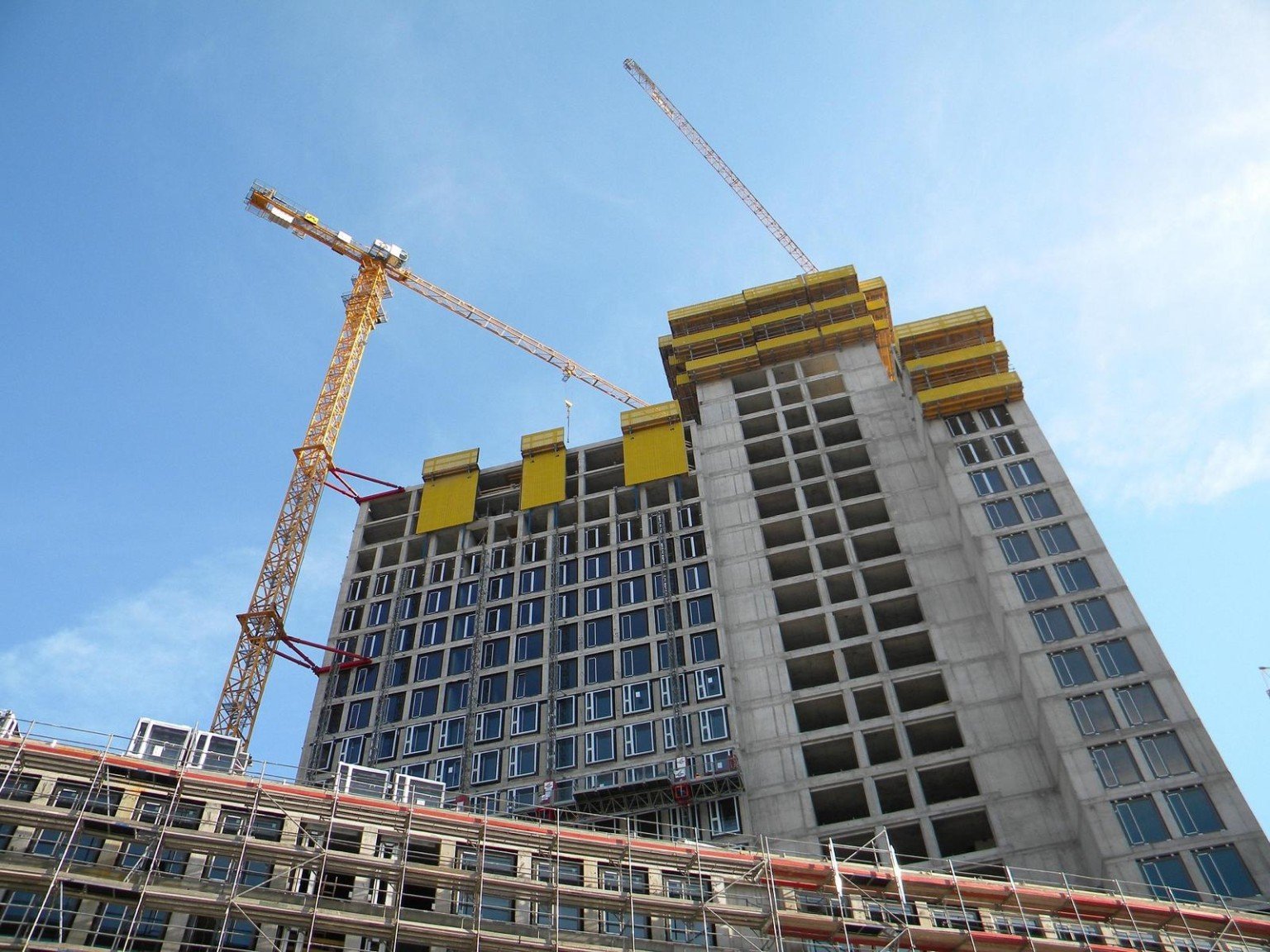
Facades, exterior walls and other elevated surfaces where access is slow or disruptive.
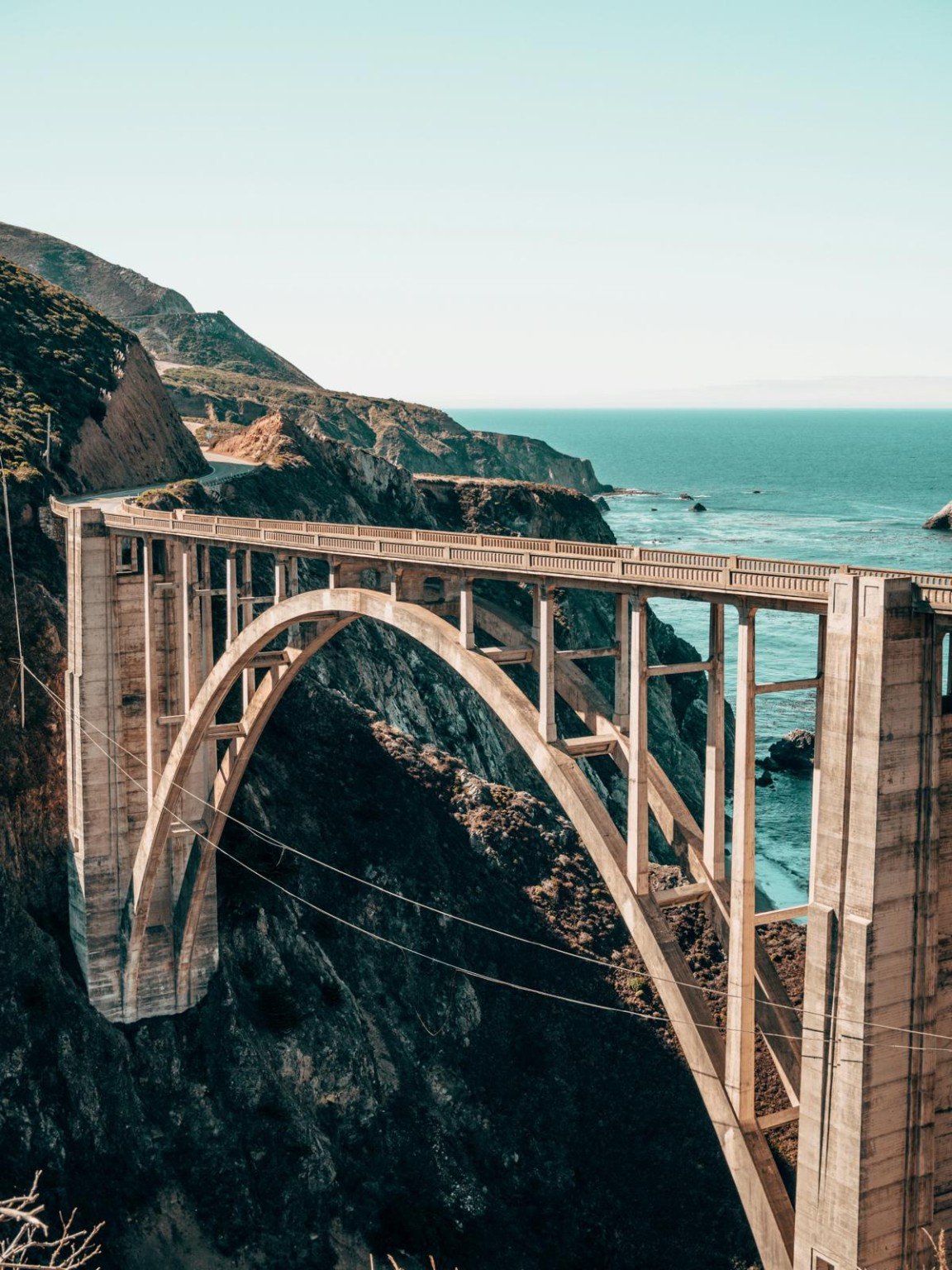
Large structural surfaces and hard-to-reach sections that need repeatable coverage.
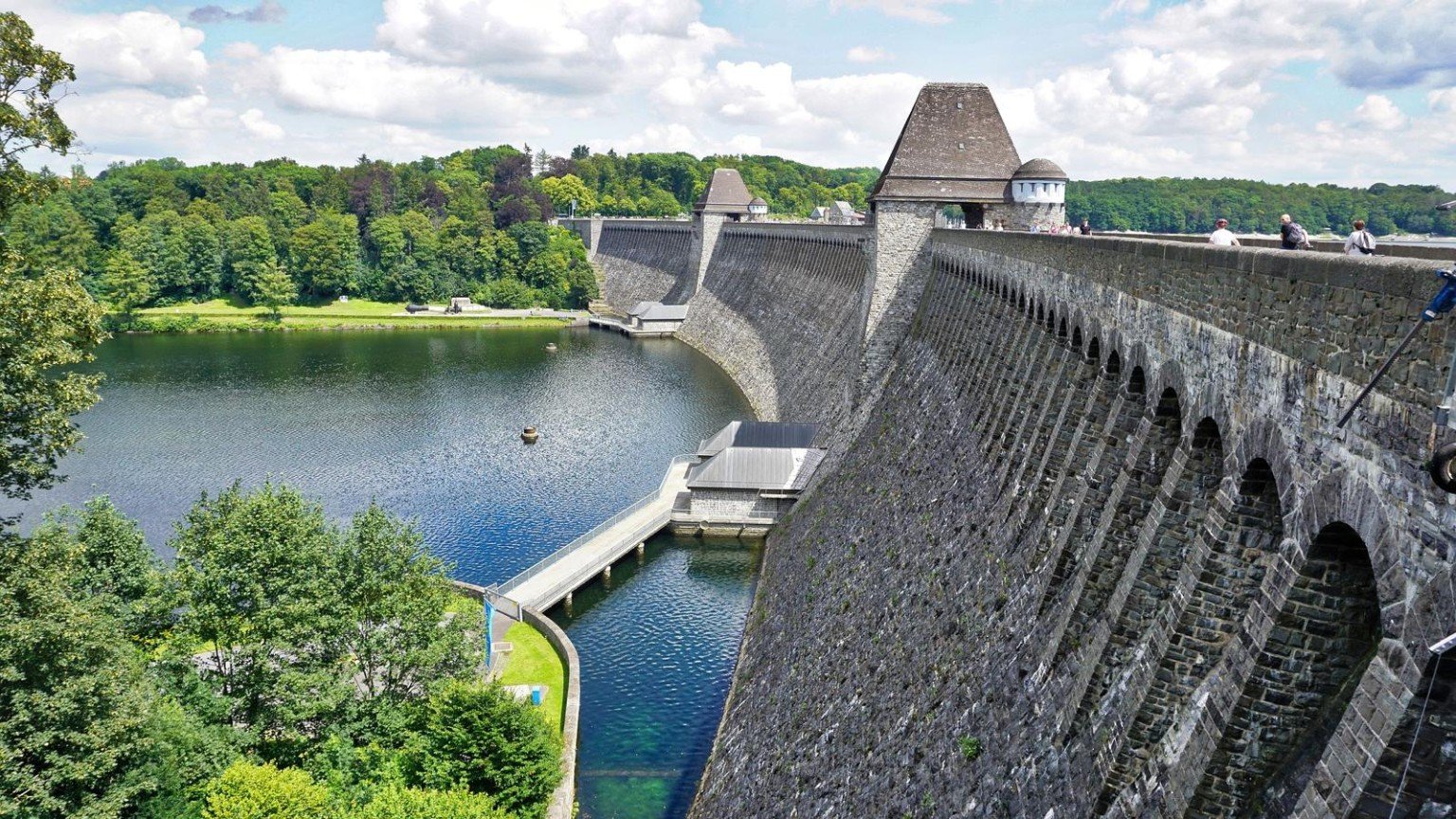
Broad surfaces where visual records and organised follow-up improve the inspection.